ClickShare: Present, Conference, Bar or Hub
Author: Infra Technologies / Barco · Published:
This material is based on official information from Barco.
The ClickShare lineup splits into several families by purpose, and mixing them up is a common reason customers end up with the wrong device for their room. Here are the four main lines: Present, Conference, Bar and Hub.
Present: basic screen sharing
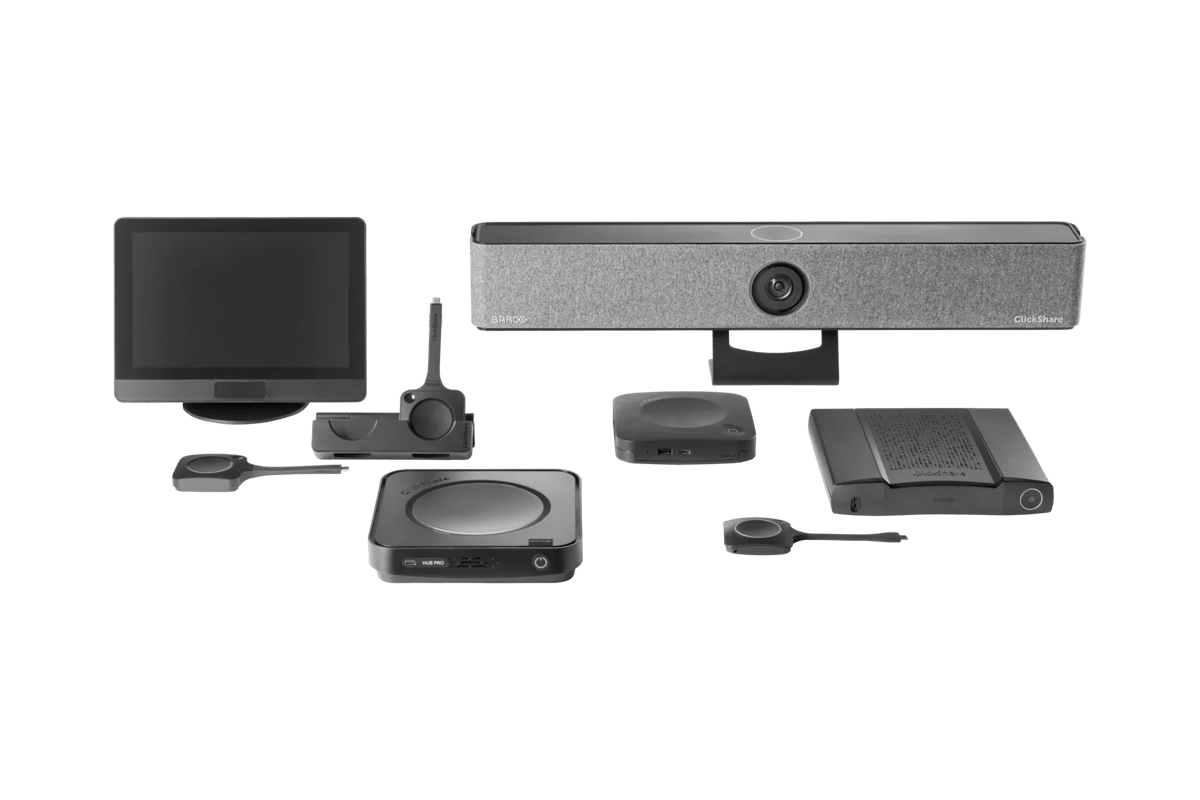
Present does one job: wirelessly send a laptop screen to a display or projector. It fits meeting rooms without built-in video conferencing, classrooms, and waiting areas showing presentation content. It is the most affordable and easiest to set up option in the lineup.
Conference: presentation plus video calling
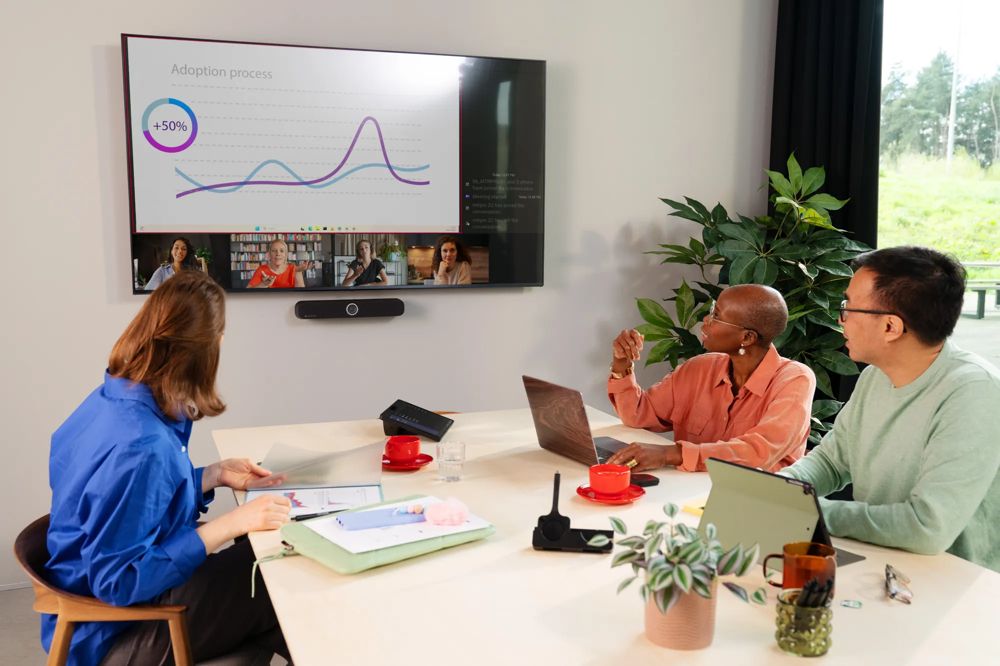
Conference adds video-conferencing peripheral pass-through to what Present does: the room's camera, microphones and speakers connect to the presenter's laptop over the same wireless link used for screen sharing. That removes the familiar meeting-room hassle of manually switching camera and audio inputs before every Zoom or Teams call. Conference is the right choice for any room that hosts video calls regularly.
Bar: video calling without a dedicated room PC
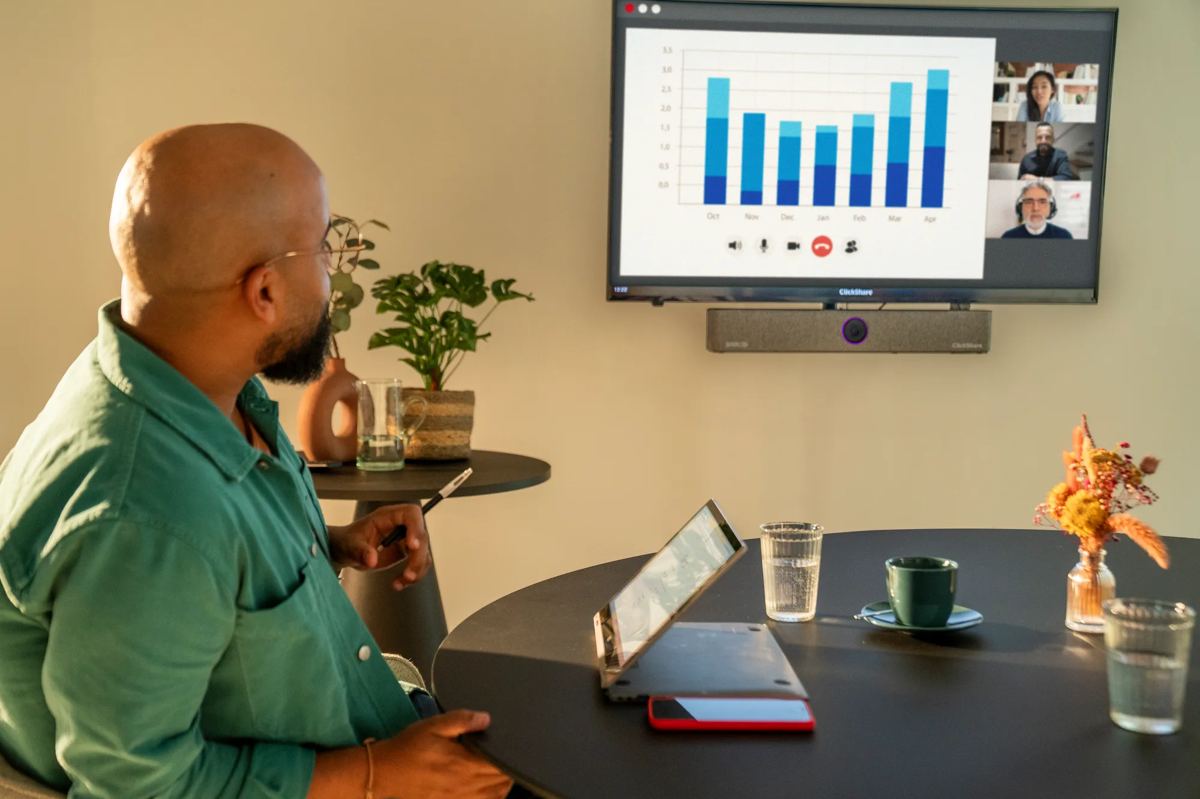
Bar devices are compact all-in-one video bars with a camera, microphones and speakers, built to connect to video-conferencing platforms either directly or through a user's laptop. They cover the case where a room needs solid video calling but has no permanently installed room PC, and staff connect with their own laptops instead.
Hub: running the meeting from the room
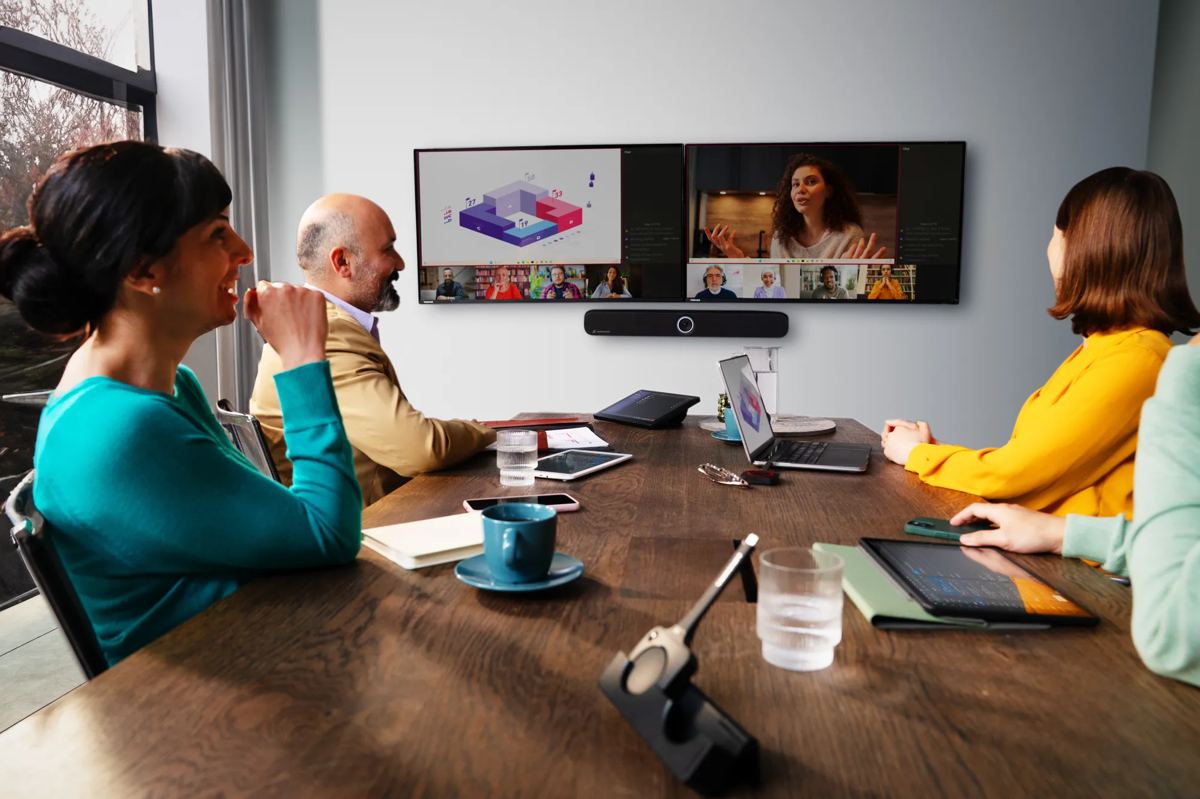
Hub targets rooms with a built-in room PC, where you need to control meeting start, the booking calendar, and switching between multiple sources directly from a panel in the room rather than from a user's laptop. It is the next level of integration for rooms in constant, rather than occasional, use.
How to choose between the families
- Presentations only, no calls: Present.
- Regular video calls from personal laptops: Conference.
- Video calling without a dedicated room computer: Bar.
- A constantly booked room with its own PC and meeting-control panel: Hub.
At Infra Technologies we pin down how a room is actually used before recommending hardware. The same meeting room at different companies can need a different ClickShare family depending on whether the company standardises on a room PC and how often video calls happen there.