

How to set up a modern situation room
Author: Infra Technologies / Barco · Published:
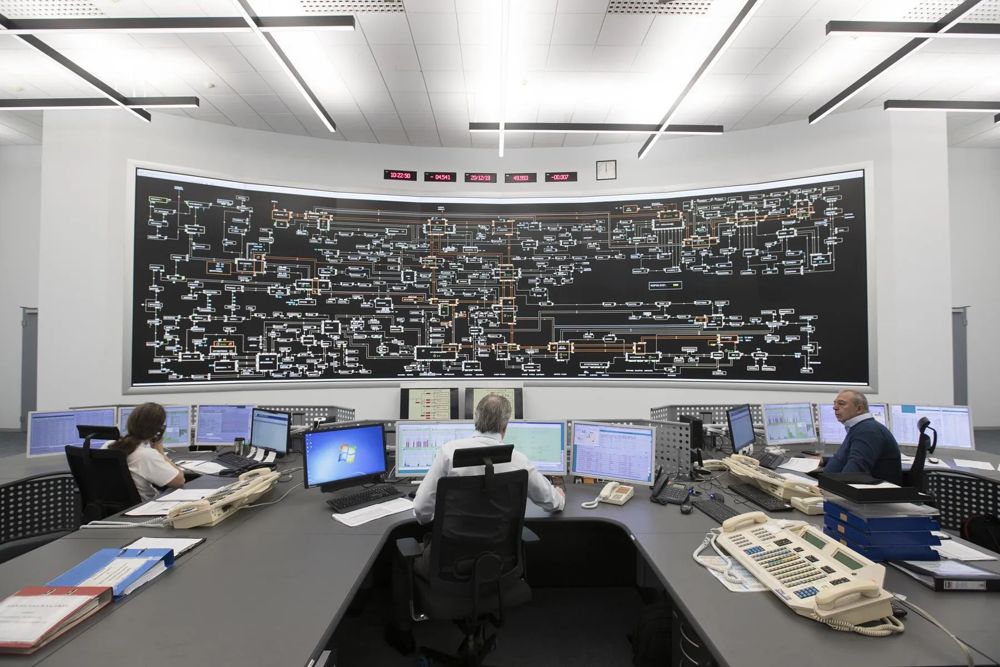
This material is based on official information from Barco.
A situation room differs from an ordinary meeting room with a big screen in that dozens of data sources converge in it at once, and decisions based on what's shown get made in real time. The architecture of such a facility is built in layers: sources, processing and switching, display, and operator workstations.
Data sources
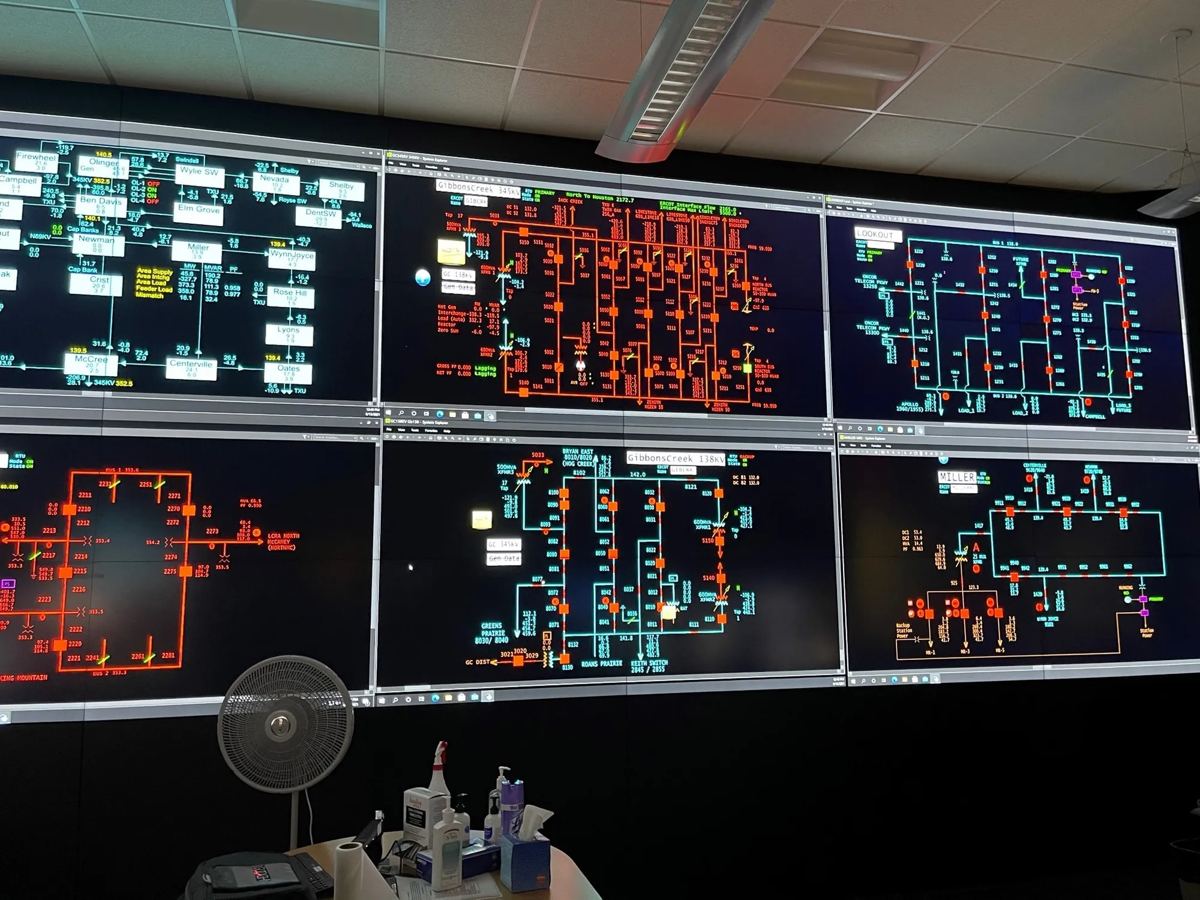
A situation room typically brings together video surveillance, monitoring systems (SCADA, GIS, production metrics), video conferencing with remote sites, analyst workstations and external broadcast feeds. Listing every source and its signal format at the brief stage matters, because it drives the choice of video wall processor and matrix switcher.
Processing and switching
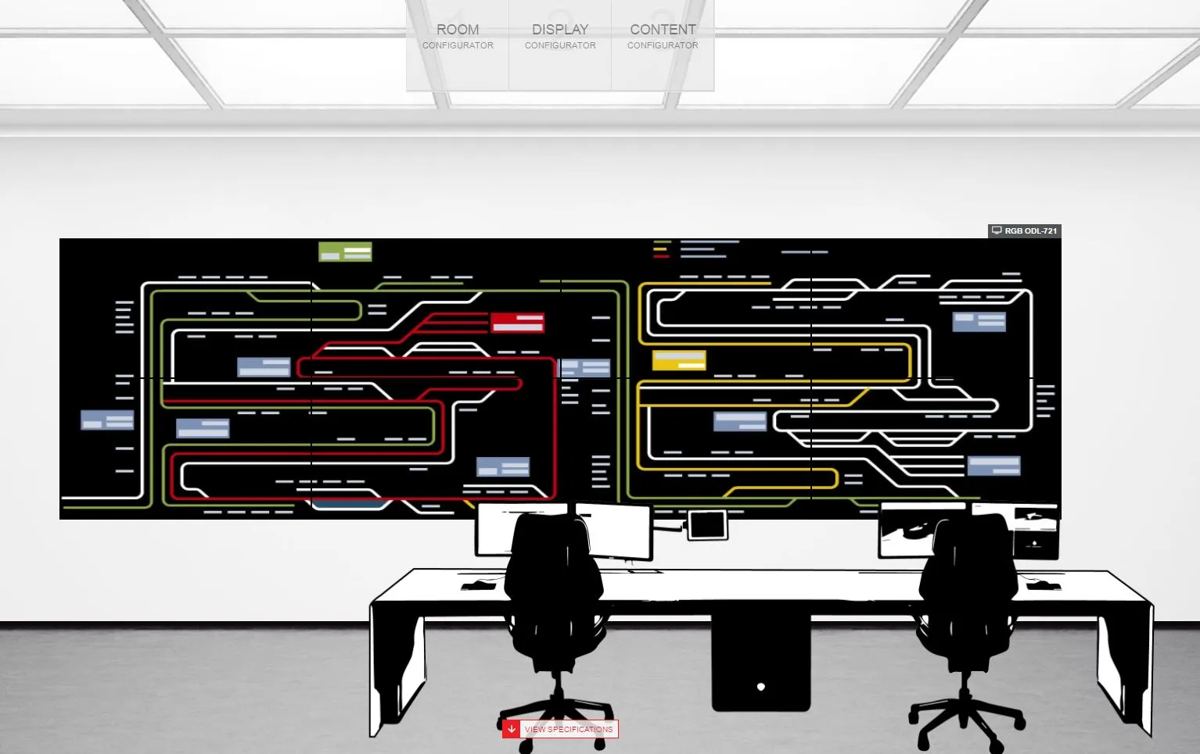
The video wall processor takes in every source and lays them out on screen: full-screen display of one source, windows of arbitrary size, graphics overlaid on video. For situation rooms, being able to switch layouts by scenario (normal operations, an emergency mode, a briefing for management) without manually re-cabling anything is essential, along with redundancy for the processor itself.
Display
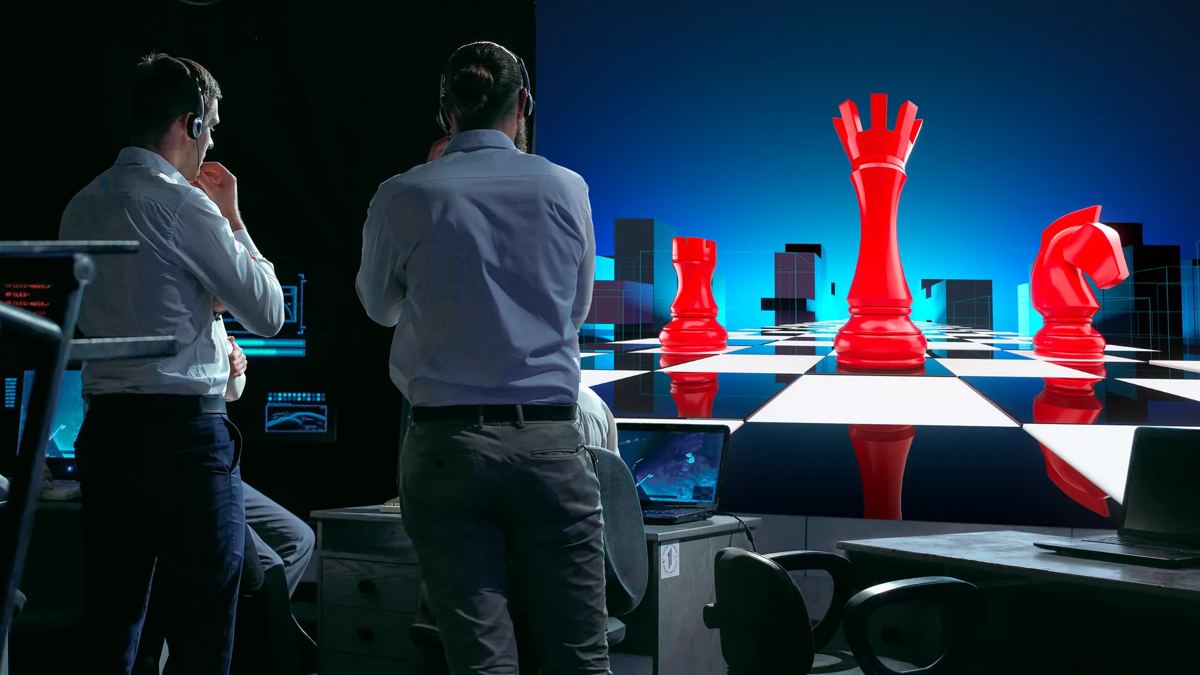
Choosing between LED, LCD and rear-projection for a situation room comes down to the same factors as any video wall: viewing distance, room lighting, required duty cycle. Rear-projection cubes or LED with enough brightness headroom are often the right fit for rooms running around the clock with controlled lighting; LCD suits briefing rooms used occasionally.
Operator workstations

Every operator needs access to the sources they need on their own monitors, independent of whatever is showing on the shared video wall. This is where KVM infrastructure like Barco CTRL comes in: compute moves to a server room, and the desk receives only video and peripheral signal over the network, with the flexibility to switch sources and fail over a post if its main computer goes down.
What to plan for up front
- A complete list of sources and display scenarios, not just the current setup.
- Redundancy at every layer: source, switching, power, network.
- Room to add workstations and sources without replacing the core infrastructure.
- Response-time requirements: how fast an operator needs to get a new source onto the shared screen during an incident.
At Infra Technologies we design situation rooms starting from the source list and usage scenarios, not the screen size. The video wall itself is only the visible part of the system, its reliability comes from the processing, switching and redundancy architecture behind the scenes.